AI Search’s Newsletter: Build a Reading Queue That Leads to Reproducible Work
Use the newsletter linked in the video as a discovery inbox, then retain the evidence behind each item.
 AI Search
A newsletter can collect useful AI discoveries without making every item equally relevant to your work. AI Search’s MOSS video links to a Substack publication. The practical question is how to turn that inbox into a small number of well-defined experiments.
The verified destination
The description labels aisearch.substack.com as the creator’s newsletter. The initial research tool returned no readable publication body. A follow-up direct retrieval exposed the publication description and artwork, discussed below. Subscriber benefits and paid tiers were not verified.
Use the original link to inspect the publication and any subscription terms directly. This article is a reading workflow, not a review of unseen newsletter issues.
Give each saved item a question
For an image-model release, write one sentence about the problem it might solve: better text placement, a particular visual style or lower iteration time. Then save the original model card and the version you intend to investigate.
Separate “interesting” from “ready to test.” A ready item has accessible weights or service access, documented setup, usable licensing information and a small evaluation brief. An announcement lacking those details can remain in a reading queue without becoming a stalled implementation task.
Close the loop after trying something
After an experiment, add the configuration, the observed result and the decision to keep using it or move on. Retain failed outputs when they explain the decision. That converts a stream of announcements into a useful record of what actually worked for you.
For the release that prompted this article, begin with the official MOSS SFT card. The newsletter supplies discovery context; the release documentation supplies the technical interface.
Publication artwork and declared focus
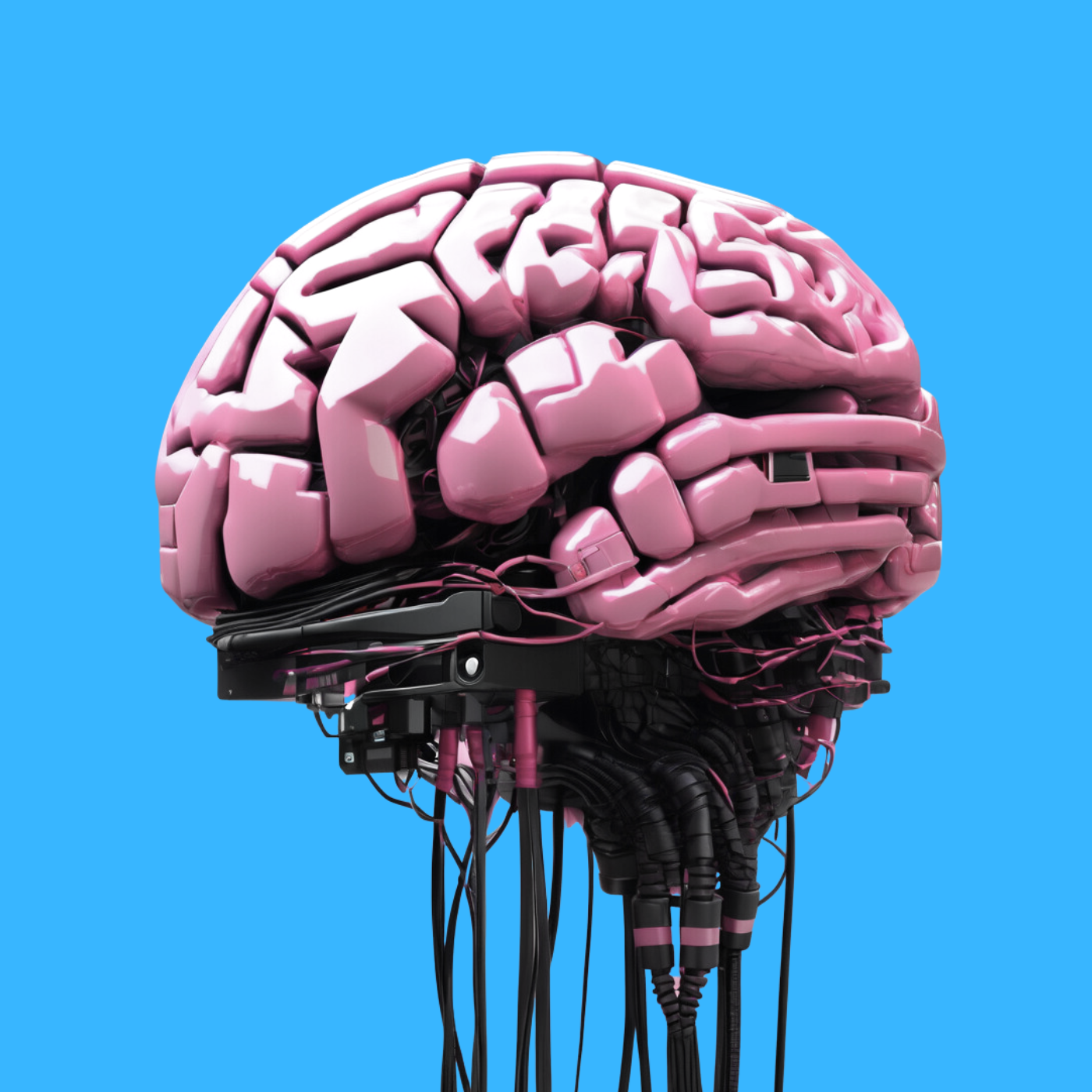
Direct retrieval during this follow-up exposed the newsletter’s public metadata and publication artwork. Its description says it collects AI highlights weekly. That is the publisher’s stated focus; Qentrah has not audited delivery dates across its archive.
| Source element | What it establishes |
|---|---|
| Publication homepage | The original newsletter destination. |
| Public description | The publication’s stated AI-highlights focus. |
| Publication artwork | Visual identity used by the publication. |
The cover is the publication’s own artwork and is credited accordingly. Availability of that metadata does not establish paid-tier benefits, access to specific issues or the contents of subscriber-only material. Inspect those details in the publication before subscribing.
Source video and image gallery
The original tutorial links this newsletter in its description. The embed illustrates the creator’s public work; it is not a video edition of an unseen newsletter issue.
Video that links the newsletter. The embedded player above opens the source video; timestamps here open its relevant chapter. Video titles and chapter labels were checked against published metadata, not by claiming to have watched the footage.
Source image: AI Search / Substack. Repository or publisher artwork, retained here alongside the video.
Source image: AI Search. This is the same creator’s X banner, included as a second identity asset rather than a newsletter screenshot.
Sources and discovery
This topic comes from link 10 in the description of AI Search’s MOSS Image video. The description was inspected; this article is not a transcript or a claim that Qentrah watched the footage.
Original description link · Reference source. Reviewed on 20 October 2026. Qentrah has not independently benchmarked or tested the products discussed.