From content to your application
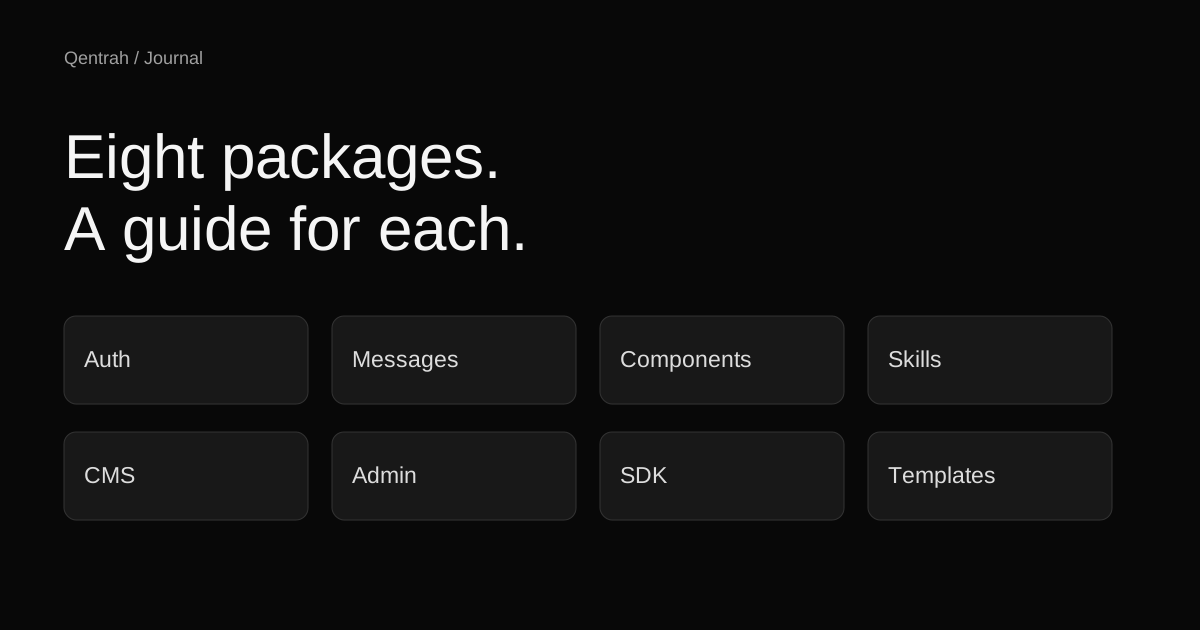
GuidesWhere CMS, Admin, SDK, and Templates fit in a Qentrah content project.
Four packages, four roles
Start with @qentrah/cms to understand the server framework and its provider requirements. The installation guide describes the setup; an npm install alone does not provision your database or configure your application.
@qentrah/admin supplies the React admin shell and built static admin assets. Use its manual when connecting the editing interface to your CMS deployment.
@qentrah/sdk is the TypeScript client and code generation CLI for the CMS interface. It belongs where your application reads or manages content through that interface. @qentrah/templates covers the template compatibility package.
Keep the beta versions together
The documentation-link release uses the same beta version across all four packages:
npm install @qentrah/cms@3.0.0-beta.31 @qentrah/admin@3.0.0-beta.31 @qentrah/sdk@3.0.0-beta.31 @qentrah/templates@3.0.0-beta.31Install only the packages your application uses. Read each guide’s requirements before adopting the full set.
Connect with the SDK
import { createClient } from "@qentrah/sdk";
const cms = createClient({
url: "https://cms.example.com",
});
const health = await cms.system.health();Replace the example URL with your own CMS. Keep privileged API keys in server code. The SDK manual explains authentication, content operations, and the separate pagination contracts of the content and documents APIs.
Follow one task at a time
Use the installation guide to establish a working connection, then move to the guide for the task you need. The package catalog links to all four manuals and their public source repository.