RTX 5000 Ada: Distinguish Laptop and Desktop GPUs Before Comparing AI Workflows
The video’s NVIDIA short link now leads to professional laptops, so GPU identity needs a separate check.

 AI Search
GPU names can obscure a difference that matters for local AI: a laptop graphics device and a desktop workstation card are different products. The video labels its NVIDIA link “RTX 5000 Ada.” During review, that short link resolved to NVIDIA’s broader professional-laptop page.
Preserve what the link actually tells you
The original NVIDIA short link now opens professional laptops and mobile workstations. It does not identify the exact GPU configuration used for the video.
NVIDIA also maintains a separate RTX 5000 Ada workstation-card page. Do not transfer that card’s specifications to a mobile device merely because the names overlap.
Check identity before capacity
Record the full GPU name reported by the machine, dedicated graphics memory, driver, framework version and relevant power configuration. When someone publishes a timing result, those details determine whether it is useful for comparison.
Graphics memory must hold more than a checkpoint file. Inference can also require temporary activations, conditioning, decoder work and runtime allocations. File size alone therefore cannot establish that an entire workflow will fit. Quantization and offload change the arrangement and need their own documented settings.
Benchmark the deliverable
Use one saved workflow and report resolution, batch size, model revision, precision and timing boundaries. Separate a first run that loads models from subsequent generations. If you compare devices, run the same task instead of comparing unrelated promotional specifications.
No hardware minimum or RTX performance figure is asserted here. The source review establishes a redirect and a naming ambiguity; resolving the specific machine is the next useful step before making a local-AI hardware decision.
Keep the two product families distinct
The desktop RTX 5000 Ada page and professional-laptop page are separate manufacturer destinations. The latter is where the video’s short link currently resolves.
| Resource | Interpretation |
|---|---|
| Video label “RTX 5000 Ada” | An incomplete hardware identifier for reproducing a run. |
| Current short-link destination | Broad mobile-workstation information. |
| Desktop-card product page | Specifications for that desktop product, not a substitute laptop specification. |
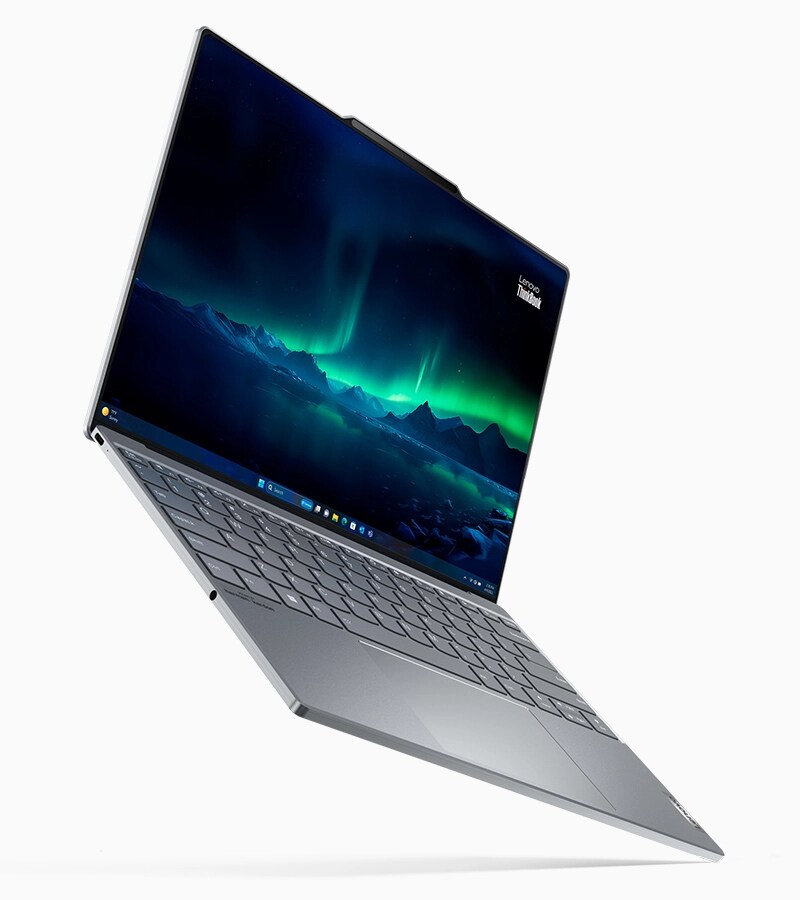
| Cover artwork | Current professional-laptop promotion, credited to NVIDIA. |
The image may reflect newer product branding than the video’s named GPU. Its caption makes that scope explicit. Confirm the full device name from the actual machine before comparing memory capacity, power configuration or timings.
Source video and image gallery
The original tutorial lists the NVIDIA short link in its description. The embed is equipment-list context rather than a device-specific benchmark.
Video containing the GPU link. The embedded player above opens the source video; timestamps here open its relevant chapter. Video titles and chapter labels were checked against published metadata, not by claiming to have watched the footage.
Source image: NVIDIA. Repository or publisher artwork, retained here alongside the video.
Source image: NVIDIA. The source labels this Blackwell architecture. It illustrates why current mobile-workstation marketing must not be treated as an Ada-specific product specification.
Sources and discovery
This topic comes from link 15 in the description of AI Search’s MOSS Image video. The description was inspected; this article is not a transcript or a claim that Qentrah watched the footage.
Original description link · Reference source. Reviewed on 20 October 2026. Qentrah has not independently benchmarked or tested the products discussed.