RP1: An Open-Source Full-Stack Platform for Agentic Humanoids
Explore RoboParty’s RP1 humanoid platform, its original repositories, hardware-to-policy workflow, and the setup gaps developers should check.

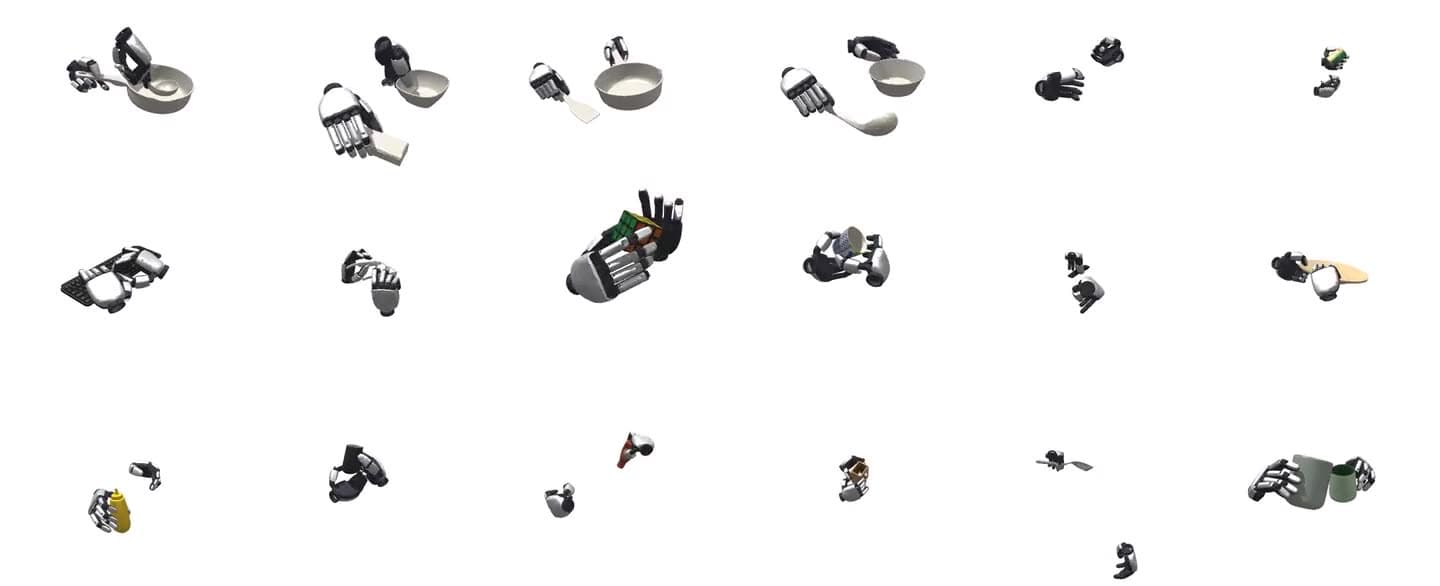
RoboParty’s official RP1 humanoid platform banner. Credit: RoboParty / RP1 repository. Original image ↗
A humanoid robot needs its mechanical design, electronics, control software and learned movements to agree. A policy that works in a simulator can fail when the real joints use a different ordering or the deployed controller expects different observations. RP1, RoboParty’s open-source humanoid platform, gives developers entry points across that stack.
The original RP1 repository is the project’s source directory: it connects hardware, robot descriptions, deployment and learning repositories. For a developer, its value is the ability to follow a behavior down to the components that execute it. This article explains where to begin and which integration details still need checking.
Find the right repository first
Start with the overview, then choose the subsystem relevant to your work. Cloning the overview alone does not install a robot development environment. Each linked project maintains its own setup instructions and release status.
| Starting point | What to inspect |
|---|---|
| RP1 overview | Official navigation, architecture and component links. |
| rp1_hardware | Mechanical and electrical designs, testing and assembly material. |
| ROMOMO | Joint module electronics, firmware and host tools. |
| RP-hand | Dexterous hand wiring and communication. |
| RP1_description | Robot descriptions and geometry for the chosen configuration. |
| roboparty_deploy | Drivers, policy inference and runtime integration. |
| roboparty_train | Learning environments, motion preparation and policy export. |
Treat this table as a map, rather than a guarantee that every component is ready for your exact machine. Check the target repository before ordering parts or choosing an experiment.
Follow a policy through the robot
The deployment README describes a ROS 2 framework for RPO and RP1. ROS 2 supplies communication between software components. Here, motor and inertial measurement unit drivers provide state; an inference module assembles observations, runs a policy and turns its outputs into joint targets. A camera module separately processes depth and publishes perception observations.
Consider a proposed experiment that changes how the robot responds to a motion command. First establish which observations the policy expects. Then check the controller’s joint ordering, model configuration and conversion from policy output to motor targets. A plausible-looking movement in simulation does not establish that those interfaces match on hardware.
The practical debugging path follows the data: sensor state, policy input, policy output, joint target and measured response. Recording those boundaries helps distinguish a learning problem from a driver or configuration problem. This is an explanatory workflow, not a hardware experiment performed by Qentrah.
Training starts with a specific environment
The training workspace documents an Isaac Lab extension and an RSL-RL dependency snapshot as Git submodules. Its requirements list Python 3.11, Isaac Sim 5.1.0, Isaac Lab main, and Ubuntu 22.04 x64 or Windows x64. Those are the training project’s documented requirements; check its current instructions when preparing a machine.
The workspace includes training, evaluation, policy export, MuJoCo simulation transfer checks and motion retargeting. Retargeting converts reference movements into a robot’s own joint representation. The README explicitly warns that motion datasets prepared with GMR use a joint order different from Isaac Lab’s order, requiring a mapping before training.
That warning illustrates why the whole stack matters. A dataset can contain the right motions while feeding values to the wrong joints. Begin by listing the environments actually installed, choose the exact task identifier and inspect its assets before starting a long training run.
Separate available workflows from release promises
The overview’s demonstration section is marked “Coming soon.” Meanwhile, the training README already documents AMP, BeyondMimic and Parkour workflows. AMP uses reference movement to guide learned behavior; motion tracking aims to reproduce a target sequence. These are useful research entry points, but their presence does not establish a complete autonomous humanoid application.
There is another concrete gap: the deployment documentation table lists the RP1-specific deployment guide as “Coming soon,” while providing an RPO guide. Do not assume the RPO wiring, calibration or startup instructions transfer unchanged to RP1. Resolve the configuration with the relevant maintainers before a hardware trial.
The word “agentic” in the project title should therefore be read alongside the actual interfaces and examples. An end-to-end application still needs defined tasks, perception, action selection, execution checks and recovery behavior. Qentrah has reviewed the linked documentation and has not assembled RP1, run its policies or reproduced a hardware benchmark.
A useful first contribution
Choose a bounded task: verify that one robot description loads correctly, document one configuration mismatch, or reproduce one supported simulation example. Record repository revisions, environment versions, the task identifier and the observed result. This produces evidence another developer can repeat.
Before redistributing a modified stack, inspect each component’s license. The overview carries GPL-3.0 and directs readers to individual repositories for their applicable terms. The deployment project specifies GPL-3.0-only for its original content and separately identifies third-party licensing considerations.
Submit issues and pull requests to the component you changed: the overview explicitly directs contributions to sub-repositories. Begin at the official RP1 source, follow the relevant implementation link, and make the first result small enough to verify.
Sources reviewed on 18 October 2026: the official RP1 overview, deployment README and training README linked above. Availability statements describe those documents at review time.