
- Account
- qentrah
- License
- MIT
- Technology
- JavaScript
- Status
- Public repository
About skills
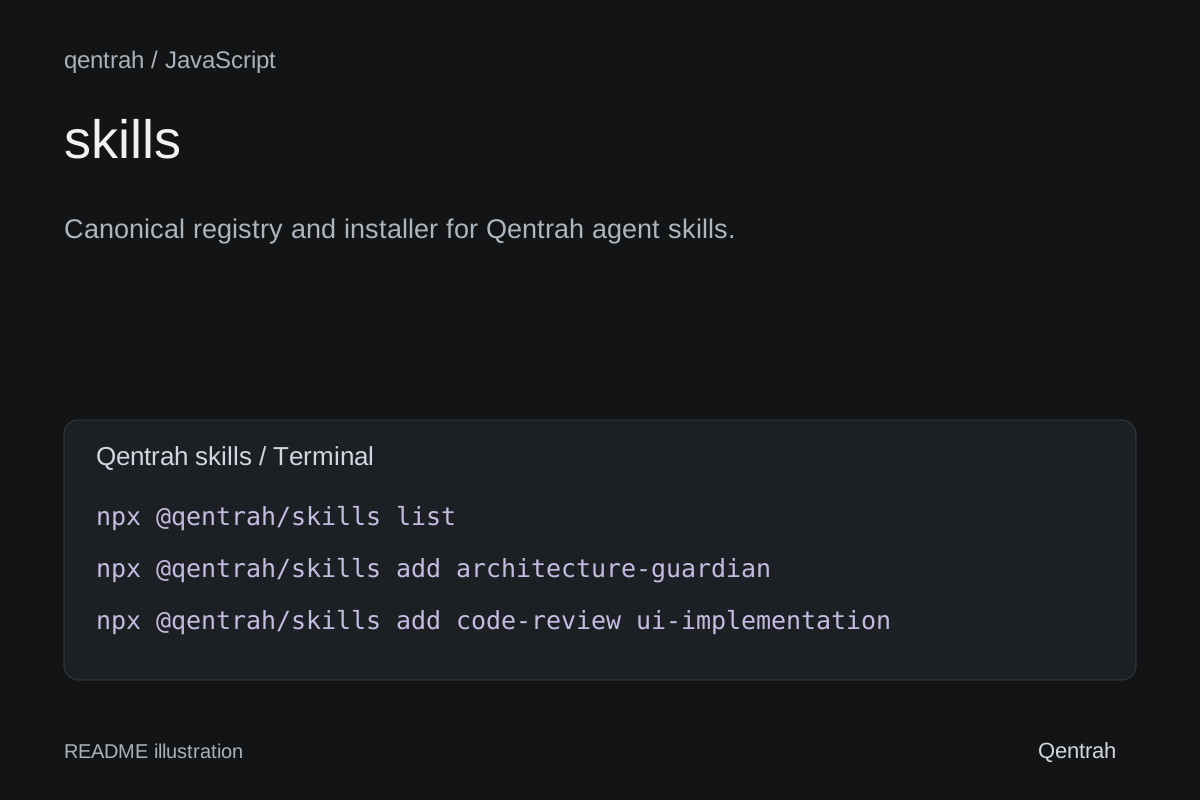
Canonical registry and installer for Qentrah agent skills.
Original project pageFrom the repository
@qentrah/skills
Install canonical, public Qentrah skills directly from their GitHub repositories.
Usage
npx @qentrah/skills
npx @qentrah/skills list
npx @qentrah/skills add architecture-guardian
npx @qentrah/skills add code-review ui-implementationRunning the CLI without a skill name opens an interactive multi-select. Use the arrow keys to navigate, Space to select multiple skills, and Enter to continue.
By default, a skill is installed in .agents/skills/<skill-name> in the current project. Use --cwd <directory> to choose another project or --force to replace an existing installation.
For non-interactive automation:
npx @qentrah/skills add --all --yesAvailable skills
| Skill | Install | Source |
|---|---|---|
| Architecture Guardian | npx @qentrah/skills add architecture-guardian | qentrah/skill-architecture-guardian |
| Code Review | npx @qentrah/skills add code-review | qentrah/skill-code-review |
| Content Design | npx @qentrah/skills add content-design | qentrah/skill-content-design |
| Design Critique | npx @qentrah/skills add design-critique | qentrah/skill-design-critique |
| Release Readiness | npx @qentrah/skills add release-readiness | qentrah/skill-release-readiness |
| Repository Guide | npx @qentrah/skills add repository-guide | qentrah/skill-repository-guide |
| UI Implementation | npx @qentrah/skills add ui-implementation | qentrah/skill-ui-implementation |
Every skill has its own public GitHub repository under Qentrah, where its SKILL.md and documentation can be reviewed or edited.
License
MIT.