
- Account
- qentrah
- License
- MIT
- Technology
- TypeScript
- Status
- Public repository
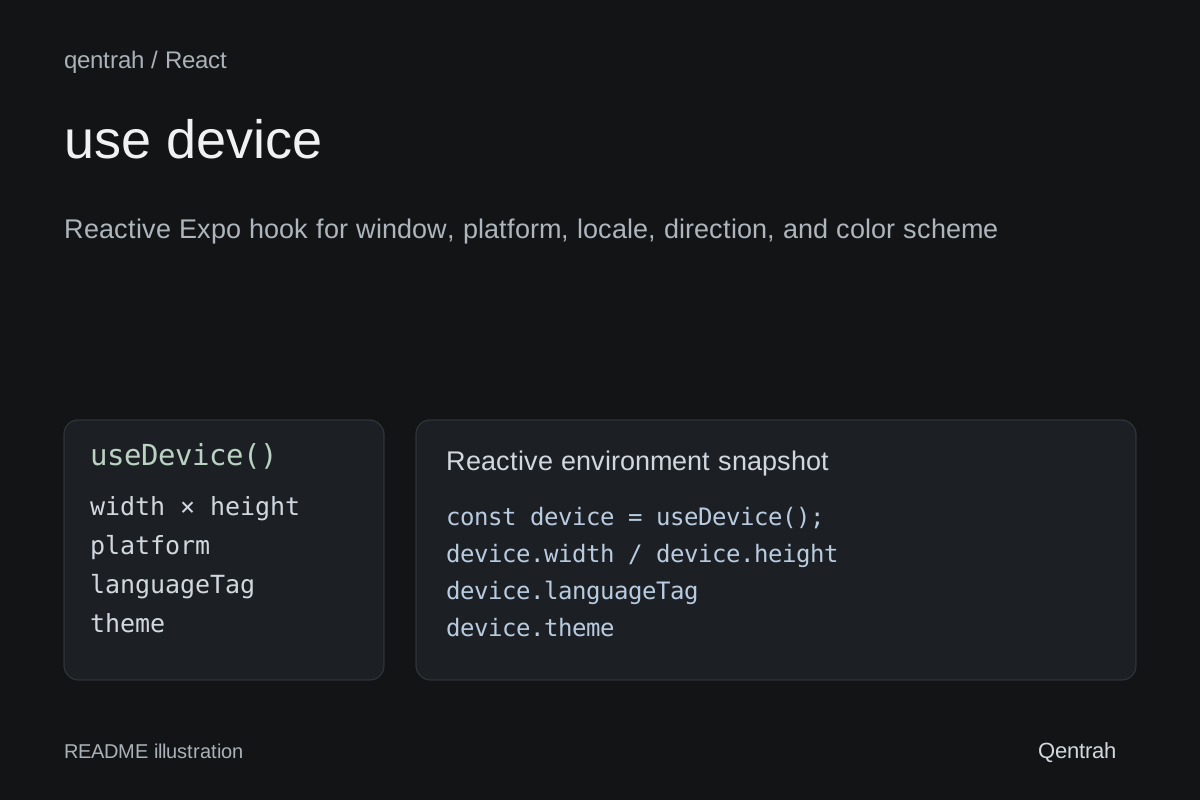
About use-device
Reactive Expo hook for window, platform, locale, direction, and color scheme
Original project pageFrom the repository
@kyna-code/use-device
A small, reactive Expo hook for the environment facts most applications need: window size, pixel and font scale, orientation, platform, color scheme, preferred locales, language, region, and text direction.
The package targets Expo SDK 57 and has no provider requirement.
Install
npx expo install @kyna-code/use-device expo-localizationUse
import { Text, View } from 'react-native';
import { useDevice } from '@kyna-code/use-device';
export function EnvironmentSummary() {
const device = useDevice();
return (
<View>
<Text>{device.width} × {device.height}</Text>
<Text>{device.platform}</Text>
<Text>{device.languageTag}</Text>
<Text>{device.theme}</Text>
</View>
);
}The returned snapshot updates when the app window, font scale, system theme, or
locale changes. width and height are the app-window dimensions in logical
pixels, not the physical screen size, so they behave correctly with split-screen
and resizable web or desktop windows.
App-specific decisions—such as breakpoints, supported interface languages, and theme color tokens—belong in the consuming app and can be derived from this hook.
Returned values
- Window:
width,height,scale,fontScale,portrait,landscape - Platform:
platform,ios,android,web,native - Theme:
colorScheme,theme,dark,light - Locale:
locales,languageTag,languageCode,regionCode,textDirection,rtl
Requirements
- Expo SDK 57
- React 19 or newer
- React Native 0.86 or newer
License
MIT