 Qesh by Qentrah
Qentrah Shell · macOS preview 0.3.0
Your shell.
Space to work.
A clean, open-source terminal for Mac. Tabs, split panes, and your familiar shell.
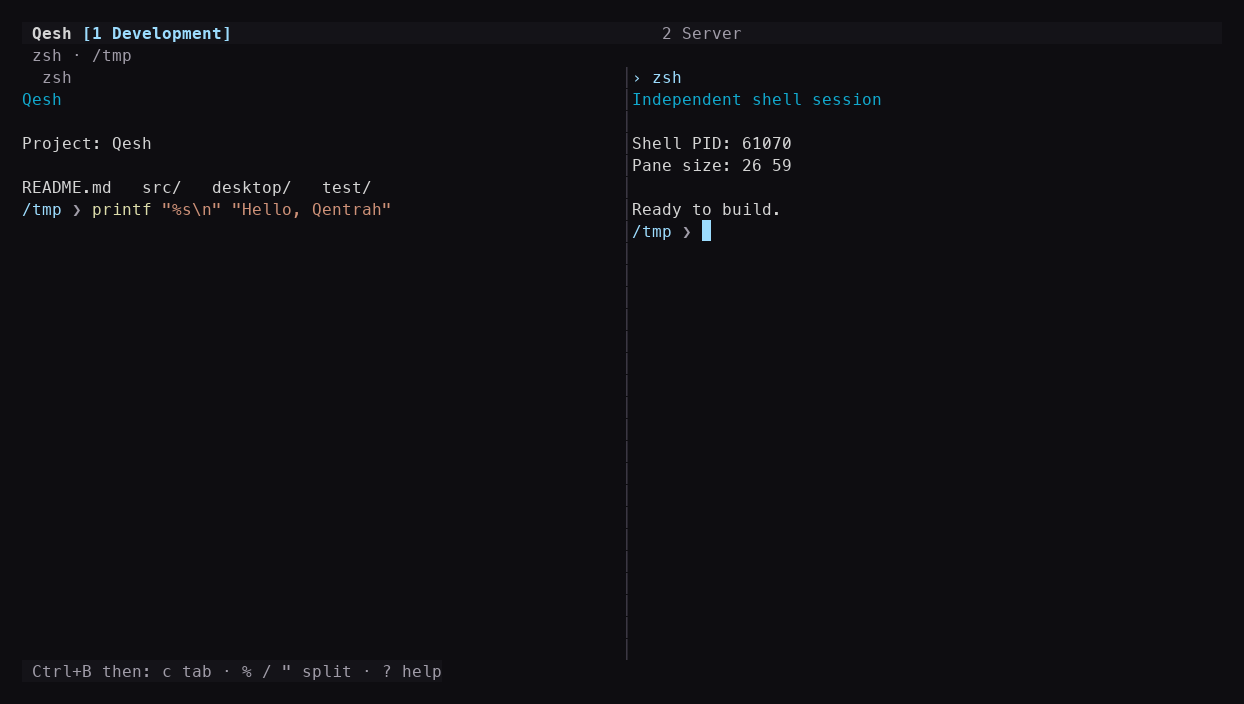
Tabs & groups
Keep each project in its own space.
Split & resize
See your sessions side by side.
Your shell
Your commands, history, and configuration.
Desktop or terminal
Hands on the keys.
Run the same workspace inside your existing terminal. Press Ctrl+B, then c for a tab, % for a split, or ? for help. Ordinary input goes straight to your shell.
Read the installation guide →
Get started
One download.
Your own workspace.
- Choose the build for your Mac: Apple Silicon (M-series) or Intel.
- Unzip the download. Keep
qesh.config.jsonbesideQesh.appin a writable folder. - Open Qesh, then use the three-dot menu to create tabs, split panes, or change settings.
This preview uses a local signature and is not notarized. macOS may require approval in System Settings → Privacy & Security.