MSFlow: generating motion where you can control it
MotionSpaceFlow generates full-resolution human motion directly, without a learned motion decoder.
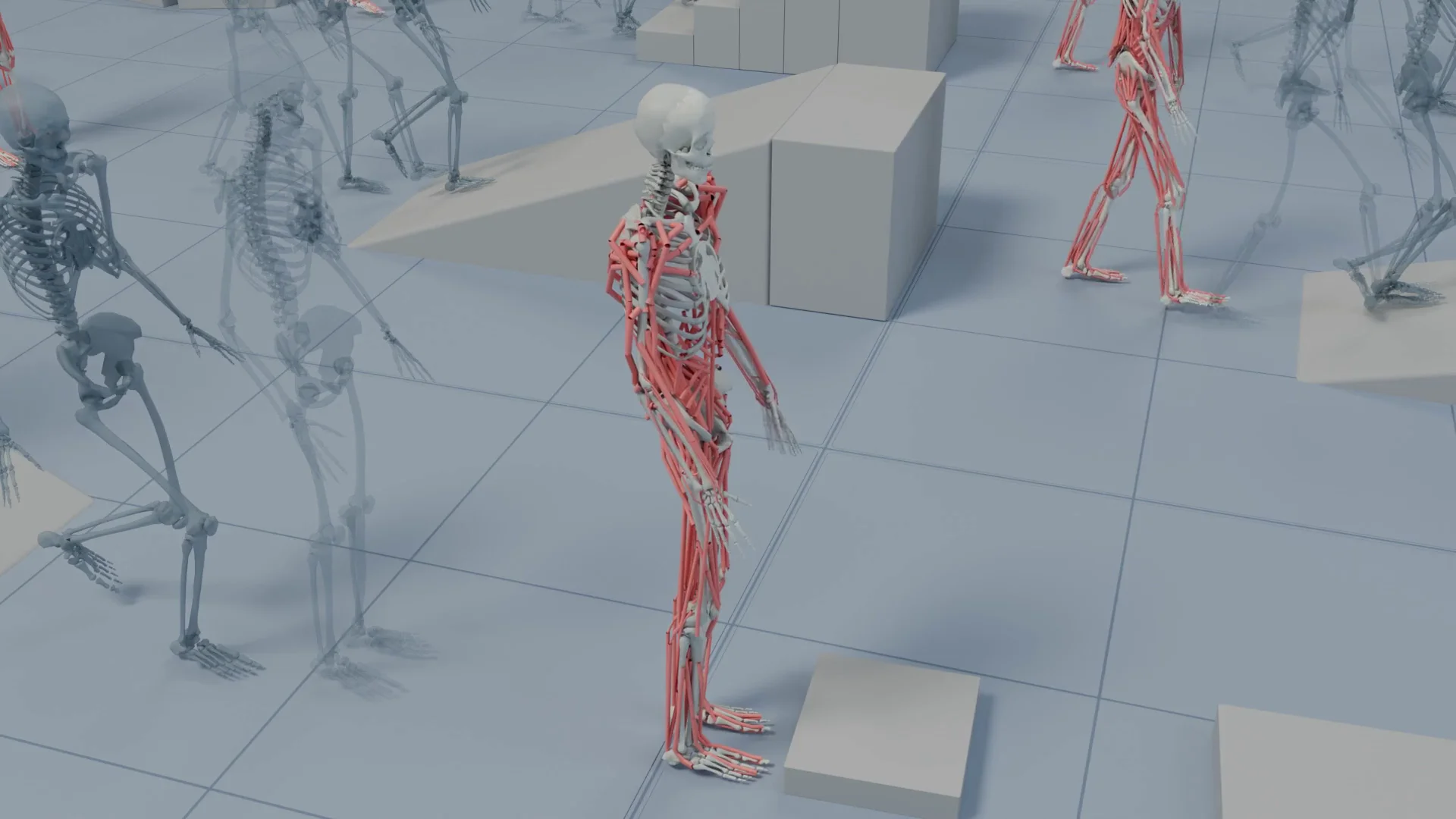
MSFlow comparison of latent and direct motion generation. Credit: Qing Yu and Kent Fujiwara. Original image ↗
MotionSpaceFlow, or MSFlow, generates human motion directly in continuous motion space. Qing Yu and Kent Fujiwara’s paper investigates a limitation of compressed motion representations: they can make individual joints and frames harder to control.
What direct motion space lets you ask for
Imagine a motion sequence in which the right hand must reach a handle at a particular frame. A compressed representation can mix several frames and joints into the same latent variables. Editing one value may then change more of the motion than intended.
MSFlow keeps motion at its working resolution. For its global-coordinate variant, a spatial target can be projected into the sampling process at the relevant joints and frames. This is a route to precise control, although a satisfied target does not by itself make the resulting movement comfortable, natural, or collision-free. The paper distinguishes the coordinate representation from the model and sampling choices.
A representation-aware model
MSFlow uses flow matching without a learned motion encoder or decoder. Its transformer updates language and motion features together, but changes temporal attention according to the representation.
- Incremental features use causal attention.
- Global joint coordinates use bidirectional attention.
Noise scaling also accounts for the different structure of those representations.
Control during inference
For the global XYZ variant, projection sampling introduces spatial constraints at inference. The authors report control over selected joints and frames without training a separate control-conditioned model. Their project page shows kicks, crawling, jumping, and other movements under these constraints.
Work through a joint constraint
A positional constraint is easiest to understand in coordinates. Suppose a right-hand joint should reach a handle at the illustrative target p* = (0.5, 1.0, 0.8) metres at one selected frame. A sampled joint at p = (0.4, 1.0, 0.8) is ten centimetres away. Euclidean distance makes the units and the missed direction explicit:
A hard projection can replace the constrained joint coordinate with its target coordinate at that sampling step. The resulting positional error at that coordinate is zero by construction. That does not prove that the entire body can reach it, that adjacent frames connect smoothly, or that the hand makes an appropriate contact. The model must still produce a consistent surrounding sequence. This is the distinction between satisfying a local constraint and generating physically plausible motion.
The plot below varies one horizontal offset while holding the other coordinates fixed. Its straight line represents distance in this simplified example; it is not the project's measured control accuracy. At a twenty-centimetre offset the distance is twenty centimetres, whatever the motion's apparent realism. Define the coordinate frame before evaluating this error: world coordinates, root-relative coordinates, and incremental features describe different quantities.
Check velocity around the controlled frame
For illustrative samples spaced by 0.05 seconds, moving a joint 0.10 metres in one interval corresponds to an average speed of 2 metres per second. A coordinate edit can therefore introduce an abrupt transition even when the target frame looks correct. Compare several frames on either side and examine both the displacement and support contacts. This calculation is a diagnostic example, not an MSFlow speed specification.
The representation-aware attention choices matter here. An incremental representation carries temporal dependence differently from a sequence of global XYZ coordinates. A review should state which representation and sampling method produced the sequence, and whether the constraint was applied to one frame or a span. Also separate target error from foot sliding, collision, and naturalness. A single number can show that a handle was reached without explaining whether the movement needed to reach it was usable.
Distance to a target joint
Focus the graph and use arrow keys, or tap a point, to inspect values. The complete data table is available below.
View data table
| Horizontal offset (cm) | Position error (cm) |
|---|---|
| 0 | 0 |
| 5 | 5 |
| 10 | 10 |
| 15 | 15 |
| 20 | 20 |
Compare a controlled sequence systematically
- Select a demonstration with a visible joint target and note when it should be reached.
- Inspect the frames immediately before and after that target. Look for sudden changes in speed or body position.
- Follow the feet and supporting limbs through the whole sequence. Reaching the target should not conceal sliding or an implausible support change.
- Compare the unconstrained result under the same description, where the project provides it.
This is a review method for the published demonstrations, not a claim that we ran an MSFlow training job. For an implementation, use the code destination linked from the project page and check which motion representation the example expects. Global joint coordinates and incremental features are different inputs; an inference recipe for one should not be copied into the other without checking its assumptions.