
QH Pixels documentation
Set up the pixel animation studio, connect an agent through MCP, and preview the supplied motion pack.
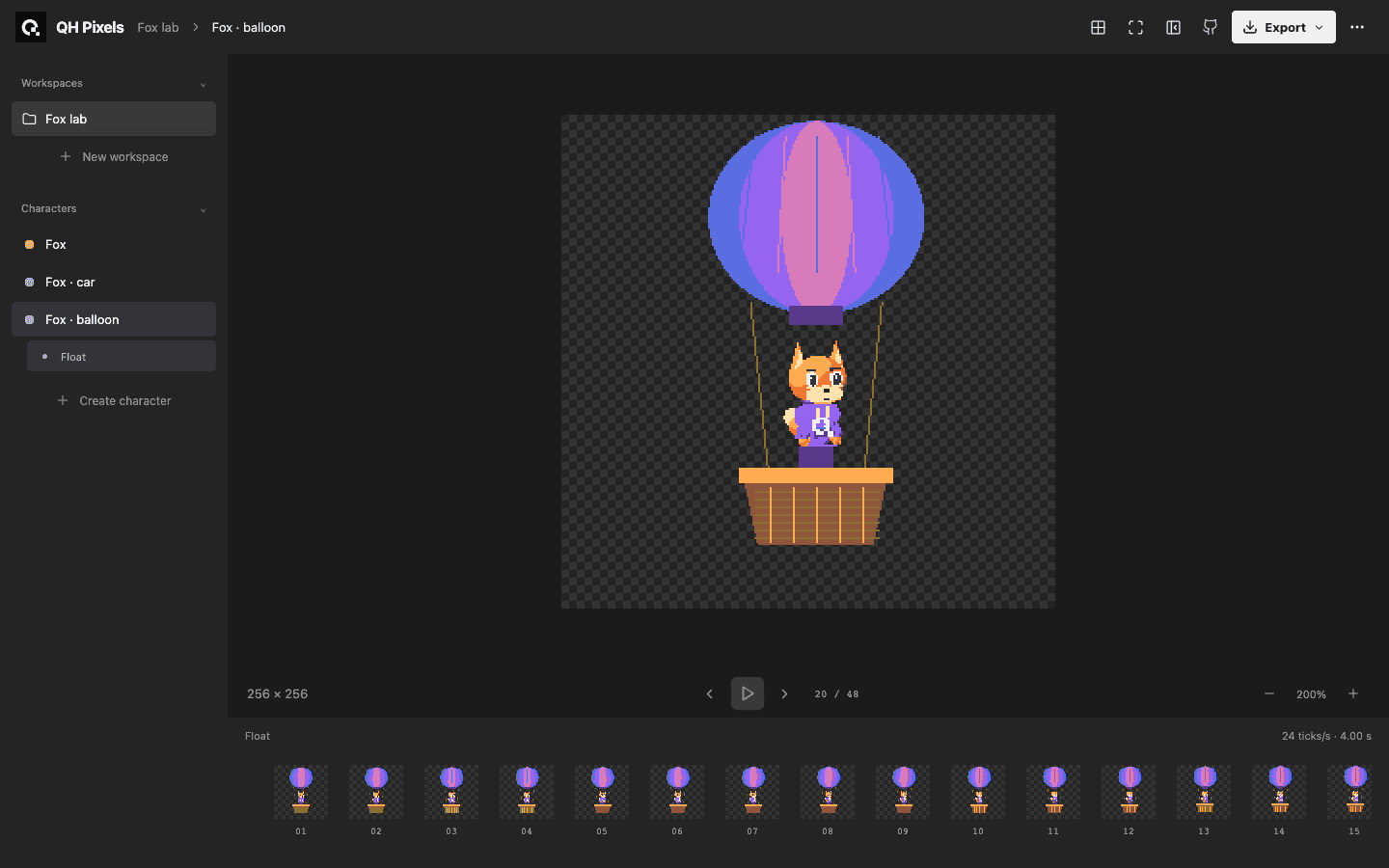
QH Pixels stores characters as numeric palette cells. An external agent authors the artwork through local MCP; the browser previews and inspects it. The supplied source and motion pack use the MIT license.
Choose a task
| Task | Guide |
|---|---|
| Install dependencies and start the studio | Run QH Pixels locally |
| Connect an external agent to the shared documents | Connect an MCP agent |
Preview the studio
Select a workspace, character, and motion. Space plays or pauses, and the left and right arrows step frames when the preview is focused. Drag to pan; use the XY grid for coordinate inspection. Escape exits full-screen preview. These controls do not paint or change frame timing.
The motion pack contains walk, turn, car journey, and balloon animations in PNG, JSON, and GIF formats. JSON preserves the car journey’s single-shot playback flag. GIF previews repeat for viewing.
Limits and support
The browser is preview-only. Inference runs in your external agent. GIF timing is quantized to centiseconds and MP4 is lossy; use PNG or JSON for exact pixel handoff. The custom QH harness adapter is a draft integration, while standard local MCP is available now.
Source captured: 2026-10-13