
Run QH Pixels locally
Clone QH Pixels, install dependencies with Node.js 24 or newer, and start the local preview studio.
Before you start
Install Node.js 24 or newer and Git. FFmpeg is needed for GIF and MP4 export. QH Pixels currently runs from source; there is no packaged application installer linked here.
Start the development studio
-
git clone https://github.com/qentrah/qh-pixels.git cd qh-pixels -
Install the locked dependencies:
npm ci -
Start the API and development preview:
npm run dev -
Open the local studio. The API runs at
http://127.0.0.1:8095.
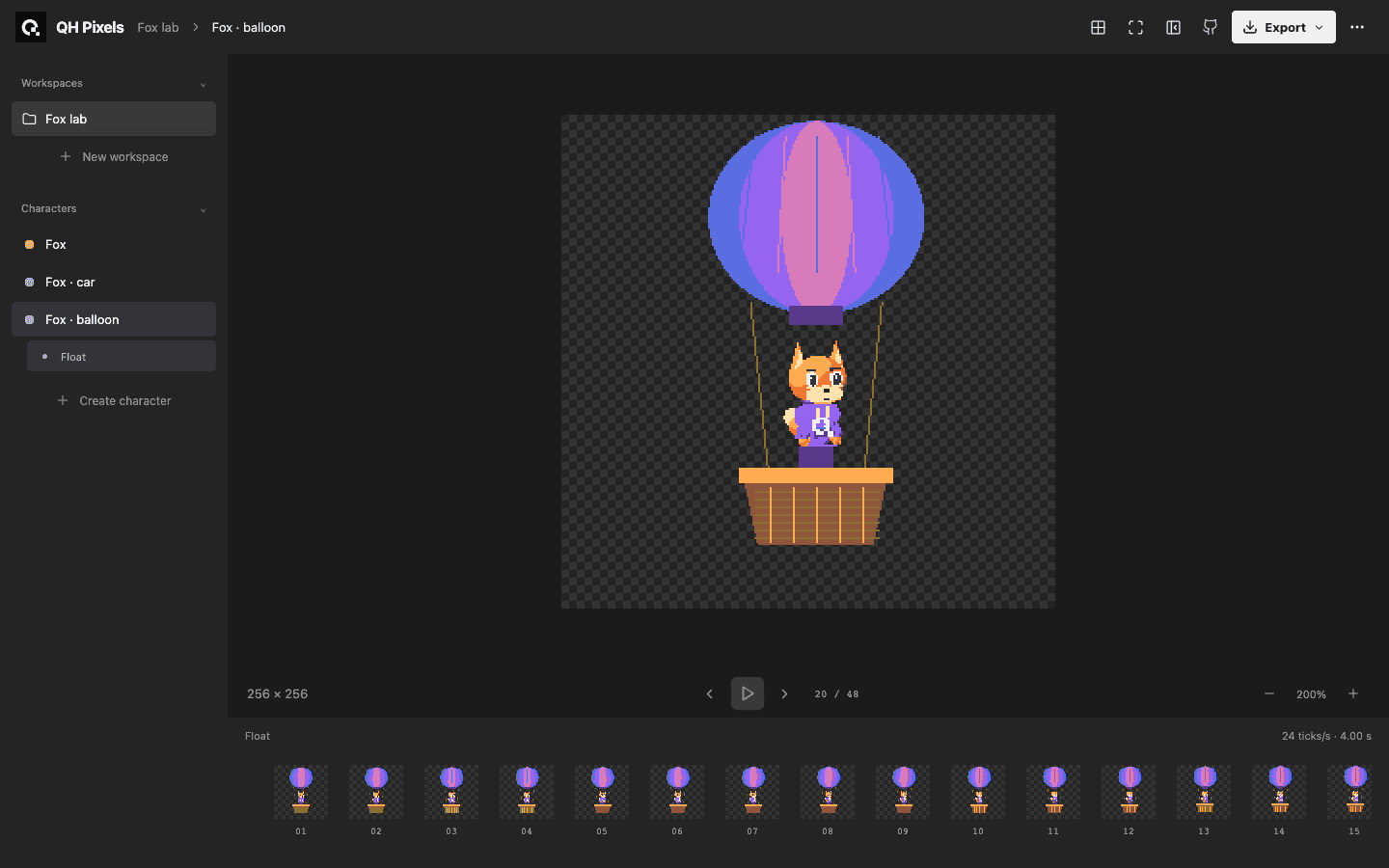
You should see the workspace sidebar, character motions, preview, and frame timeline. Use the MCP guide to connect an authoring agent.
Run the production bundle
Stop the development server before using the same API port:
npm run build
npm startOpen the bundled studio.
Check the installation
npm test
npm run buildIf a server reports that its port is already in use, stop your earlier QH Pixels process before restarting it. If dependencies fail to install, check node --version and use Node.js 24 or newer. GIF and MP4 export also require FFmpeg; see the repository checks and recording instructions.
Source captured: 2026-10-13