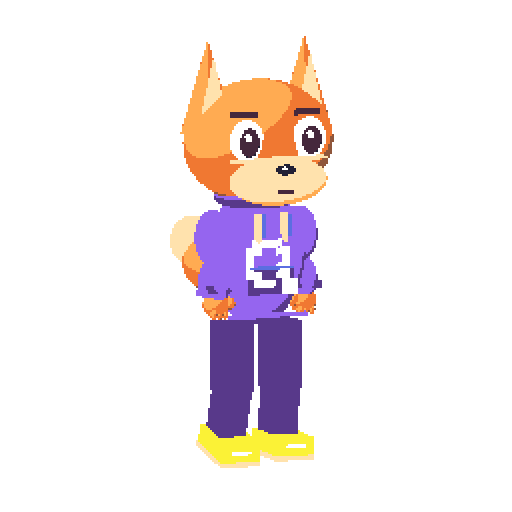
Open source · Local studio
Pixel art.
Made to move.
Create characters with your agent. Preview every frame in a local studio, then export your next animation.
The studio shows workspaces and characters in a sidebar, the selected motion in a large preview, and its frames in a timeline below. Select a motion, play it, or step through its frames. Artwork edits are made by your external agent.
Create with your agent
Your external agent authors the pixels through local MCP. Characters and revisions stay on your computer.
See every frame
Choose a character and motion, pan the preview, and step through the timeline in the browser.
Take your work with you
Export PNGs, sprite sheets, pixel documents, GIFs, and MP4s for your next project.
A small gift to get you moving
Four motions. Ready to explore.
Original 256 × 256 artwork, with PNG, JSON, and GIF files. Play a preview to see it move.
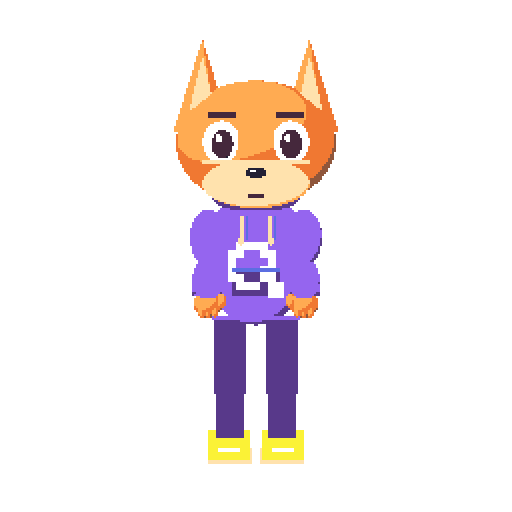
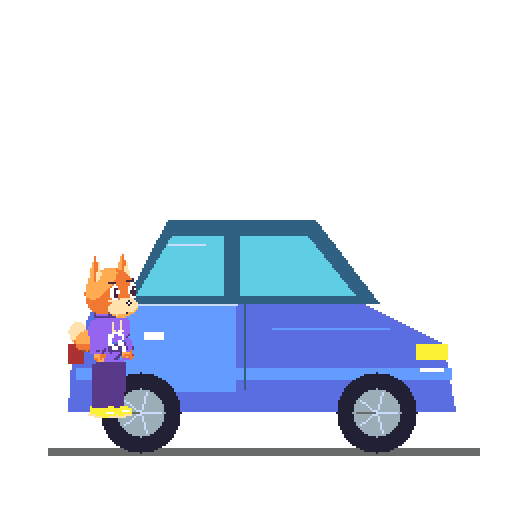
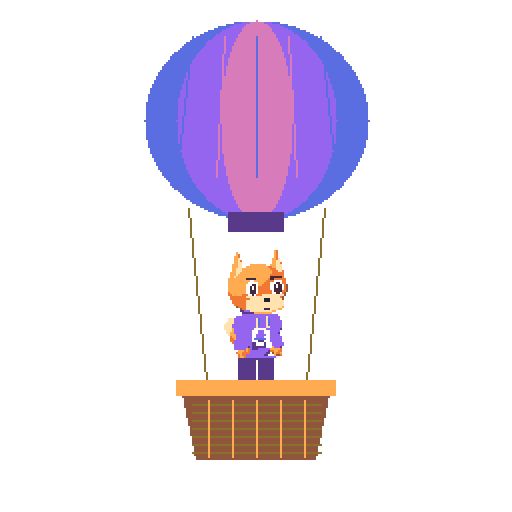
GIF previews repeat. The car journey’s pixel document preserves its single-play sequence.
Start on your computer
Your own little pixel studio.
Clone the project, install its dependencies, and start the studio. You’ll need Node.js 24 or newer; FFmpeg is used for GIF and MP4 export.
git clone https://github.com/qentrah/qh-pixels.git
cd qh-pixels
npm ci
npm run devOpen http://127.0.0.1:8094 in your browser.
Bring the agent you already use
An agent makes the art.
You see it take shape.
Connect your external agent to the local MCP server. It can inspect, change, and export the same documents the studio previews. The browser lets you inspect and play the artwork; pixel editing happens through the agent.
Connect an MCP agent{
"mcpServers": {
"qh-pixels": {
"command": "node",
"args": ["/absolute/path/qh-pixels/server/mcp.mjs"]
}
}
}